Hi there, I'm Karthik!
Below is a brief detail of a classic snake game project I have done in web development.
LOGIC:
1. Introduction
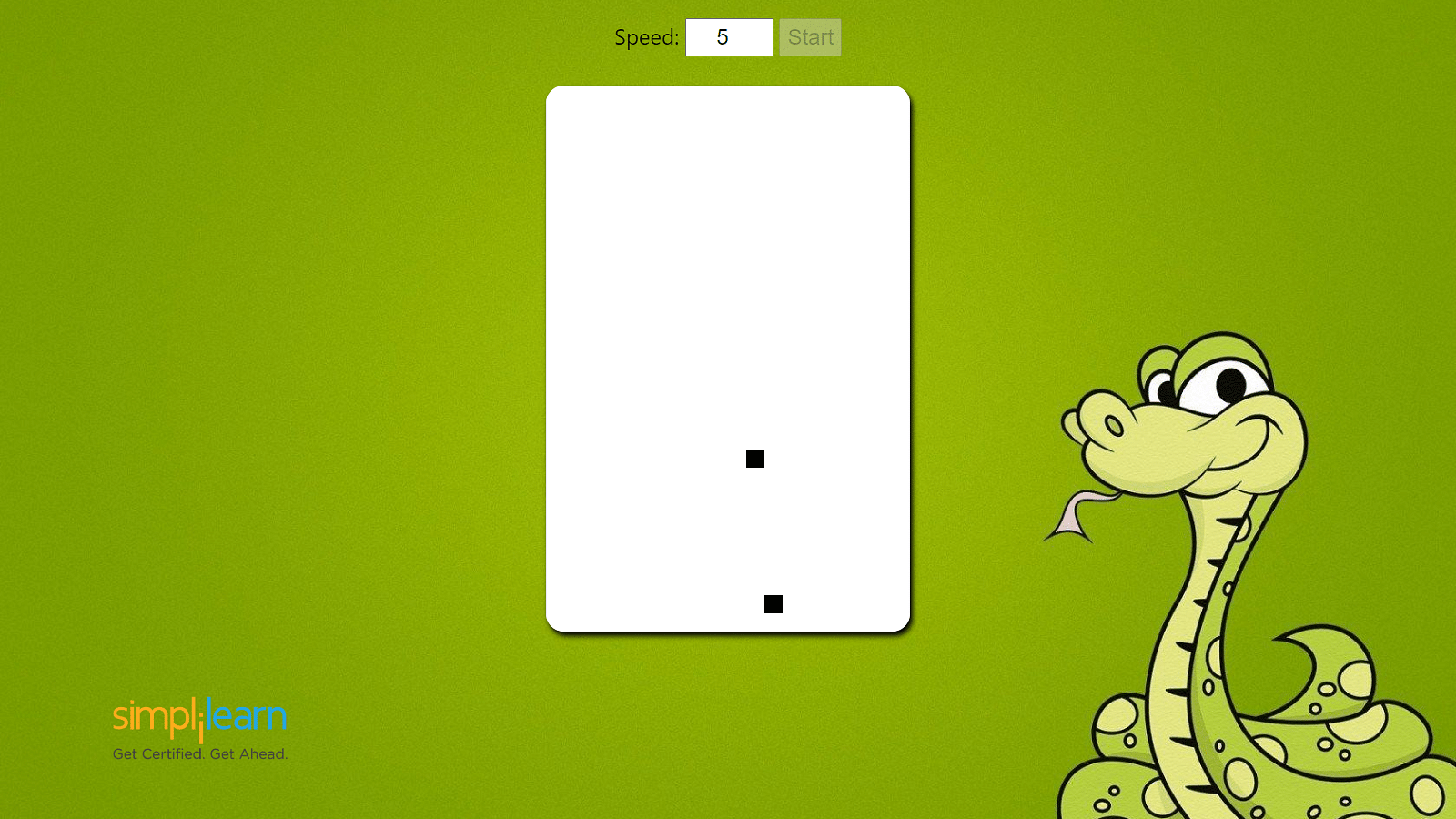
This project involves creating a Snake game using HTML, CSS, and JavaScript. In the game, players control a snake to eat food and grow longer while avoiding obstacles and collisions.
2. HTML Structure
The HTML structure includes a canvas element for rendering the game graphics. A paragraph displays the player's score.
3. CSS Styling
The game canvas has a black border, and different colors are used to represent the snake, food, and obstacles.
4. JavaScript Implementation
The JavaScript code handles the core game logic, including snake movement, collision detection, level progression, and game-over conditions.
5. Game Variables
Variables are used to store information about the canvas, context, tile size, levels, snake position, food position, movement directions, score, and game state.
6. Generating Random Positions
The game generates random positions for food and obstacles using the `getRandomPosition()` function.
7. Generating Obstacles
The `generateObstacles()` function generates obstacles for each level based on the provided count.
8. Handling Keydown Events
The `handleKeyDown()` function detects arrow key inputs to change the snake's direction. It prevents reversing the snake's direction (e.g., moving upwards while going downwards).
9. Collision Detection
The `checkCollision()` function checks for collisions with walls, the snake's body, and obstacles. If a collision occurs, the game ends.
10. Updating Game State
The `update()` function updates the snake's position, checks for food consumption, updates the score display, handles level progression, and checks for collisions.
11. Drawing Game Objects
The `draw()` function clears the canvas and draws the snake, food, and obstacles on it using colors based on their types.
12. Drawing Tiles
The `drawTile()` function is used to draw individual tiles on the canvas.
13. Starting the Game
The `startGame()` function initializes the game's variables, sets up the game loop using `setInterval()`, and handles game-over conditions by restarting the game.
14. Loading the Game
The game starts when the page loads. The `window.onload` event listener sets up keyboard input and calls `startGame()`.
15. Conclusion
This code creates a functional Snake game where players control a snake to eat food and grow while avoiding obstacles and collisions. With increasing levels of difficulty, the game offers an engaging and challenging experience.
CODE:
<!DOCTYPE html>
<html>
<head>
<title>Snake Game</title>
<style>
#gameCanvas {
border: 1px solid black;
}
</style>
</head>
<body>
<canvas id="gameCanvas" width="400" height="400"></canvas>
<p id="scoreDisplay">Score: 0</p>
<script>
// Game variables
const canvas = document.getElementById("gameCanvas");
const ctx = canvas.getContext("2d");
const tileSize = 20;
const totalTiles = canvas.width / tileSize;
const levels = [
// Level 1
{ speed: 200, obstacles: [] },
// Level 2
{ speed: 180, obstacles: generateObstacles(5) },
// Level 3
{ speed: 160, obstacles: generateObstacles(10) },
// Level 4
{ speed: 140, obstacles: generateObstacles(15) },
// Level 5
{ speed: 120, obstacles: generateObstacles(20) },
// Level 6
{ speed: 100, obstacles: generateObstacles(25) },
];
let level = 0;
let snake = [{ x: 10, y: 10 }];
let food = getRandomPosition();
let dx = 0;
let dy = 0;
let score = 0;
let gameover = false;
let intervalId;
// Generate random position for food
function getRandomPosition() {
const x = Math.floor(Math.random() * totalTiles);
const y = Math.floor(Math.random() * totalTiles);
return { x, y };
}
// Generate obstacles for a level
function generateObstacles(count) {
const obstacles = [];
for (let i = 0; i < count; i++) {
obstacles.push(getRandomPosition());
}
return obstacles;
}
// Handle keydown events
function handleKeyDown(event) {
if (event.key === "ArrowUp" && dy !== 1) {
dx = 0;
dy = -1;
} else if (event.key === "ArrowDown" && dy !== -1) {
dx = 0;
dy = 1;
} else if (event.key === "ArrowLeft" && dx !== 1) {
dx = -1;
dy = 0;
} else if (event.key === "ArrowRight" && dx !== -1) {
dx = 1;
dy = 0;
}
}
// Check collision with walls or obstacles
function checkCollision() {
const head = snake[0];
if (
head.x < 0 ||
head.x >= totalTiles ||
head.y < 0 ||
head.y >= totalTiles ||
snake
.slice(1)
.some((part) => part.x === head.x && part.y === head.y) ||
levels[level].obstacles.some(
(obstacle) => obstacle.x === head.x && obstacle.y === head.y
)
) {
gameover = true;
}
}
// Update game state
function update() {
const head = { x: snake[0].x + dx, y: snake[0].y + dy };
snake.unshift(head);
if (head.x === food.x && head.y === food.y) {
score++;
document.getElementById("scoreDisplay").textContent =
"Score: " + score; // Update the score display
if (score % 5 === 0 && level < levels.length - 1) {
level++;
}
food = getRandomPosition();
} else {
snake.pop();
}
checkCollision();
}
// Draw game objects
function draw() {
ctx.clearRect(0, 0, canvas.width, canvas.height);
snake.forEach((part) => drawTile(part.x, part.y, "green"));
drawTile(food.x, food.y, "red");
levels[level].obstacles.forEach((obstacle) =>
drawTile(obstacle.x, obstacle.y, "gray")
);
}
// Draw a tile on the canvas
function drawTile(x, y, color) {
ctx.fillStyle = color;
ctx.fillRect(x * tileSize, y * tileSize, tileSize, tileSize);
}
// Start the game
function startGame() {
level = 0;
snake = [{ x: 10, y: 10 }];
food = getRandomPosition();
dx = 0;
dy = 0;
score = 0;
gameover = false;
intervalId = setInterval(() => {
if (!gameover) {
update();
draw();
} else {
clearInterval(intervalId);
alert("Game Over! Your score: " + score);
startGame();
}
}, levels[level].speed);
}
// Start the game when the page loads
window.onload = function () {
document.addEventListener("keydown", handleKeyDown);
startGame();
};
</script>
</body>
</html>
The above code is written in HTML,CSS & Java Script by implementing all the game logic's as mentioned above.


Comments
Post a Comment